

DAVINCI RESOLVE POWERGRADE AND LUTS
60% OFF FOR A LIMITED TIME
🔥
60% OFF FOR A LIMITED TIME 🔥
Cinesol 35 gives your digital footage the depth and character of 35mm film without locking you into a LUT. It’s a full grading system built inside DaVinci Resolve, designed to make your images feel denser, cleaner, and more cinematic from the very first node.
You get natural rolloff, richer color, controlled halation, film-like grain, and a print stage that adds the weight and polish everyone tries to chase in post. Every module is fully editable, so you can push the look or keep it subtle without breaking the image.
If you’re tired of grades that still look digital, this gets you much closer to the film look — reliably and quickly — no matter what camera you’re shooting on.
Cinesol 35 gives you a starting point that already feels right, so your grade comes together faster and looks better every time.
CINESOL POWERGRADE & LUTS
What’s Included
Cinesol 35 PowerGrade + 2 LUTS (Stylized and Neutral)
Mini Color Grading Course
A 5-lesson mini course that teaches color grading through the PowerGrade, breaking down why each part works so you actually understand the look, not just how to apply it.
Example Footage
Footage you can practice on to get comfortable with the workflow.
Quick Installation Guide (PDF)
Fast, simple instructions for importing and setting up the grade inside DaVinci Resolve.
Camera Settings Cheat Sheet (PDF)
Recommended in-camera settings to get the cleanest log image and the best results when grading with Cinesol 35.


cst
This is where the grade begins. The Color Space Transform takes your camera’s native log footage and maps it into a controlled working space. In this workflow, we convert from your camera’s log profile into linear, then into ARRI LogC3, which gives you cleaner rolloff, predictable contrast, and a film-like color response. It sets the foundation so every adjustment that follows behaves consistently.
exp.
This node handles the core exposure work. All of your primary adjustments live here: brightness, contrast, pivot, custom curve shaping, and any tonal balancing needed before creative grading. It ensures the image is properly set up so later nodes can focus purely on the look instead of technical corrections.
wb.
This node uses a specialized white balance method inside DaVinci Resolve that lets you adjust temperature and tint in Kelvin-style values, similar to setting white balance in camera. It provides a more natural, camera-native approach to balancing the image.
grade
This compound node is where the heavy creative work happens. Inside are several custom tools, including:
• halation
• 35mm-inspired grain
• a Black Pro-Mist-style diffusion effect
• a neutralizing pass that evens out teal shadows and orange bias
• sharpening that mimics optical clarity
• highlight-rolloff refinements
• a proprietary saturation method designed to behave more like film
This is the heart of the look and where the image starts feeling cinematic.
print-film
This is the film emulation stage. It includes:
• a LAB-based saturation technique for richer, cleaner color
• the film recipe that defines the personality of this grade
• a refined print film pass using DaVinci Resolve’s Kodak 2383 LUT
Together, these build contrast, palette, and density in a way that feels true to 35mm print stock.
split-tone
The final node shapes the mood. Using curved-based color separation, this split-tone pass pushes intentional hues into shadows and highlights, adding richness and mood. It completes the filmic finish and ties the entire grade together.

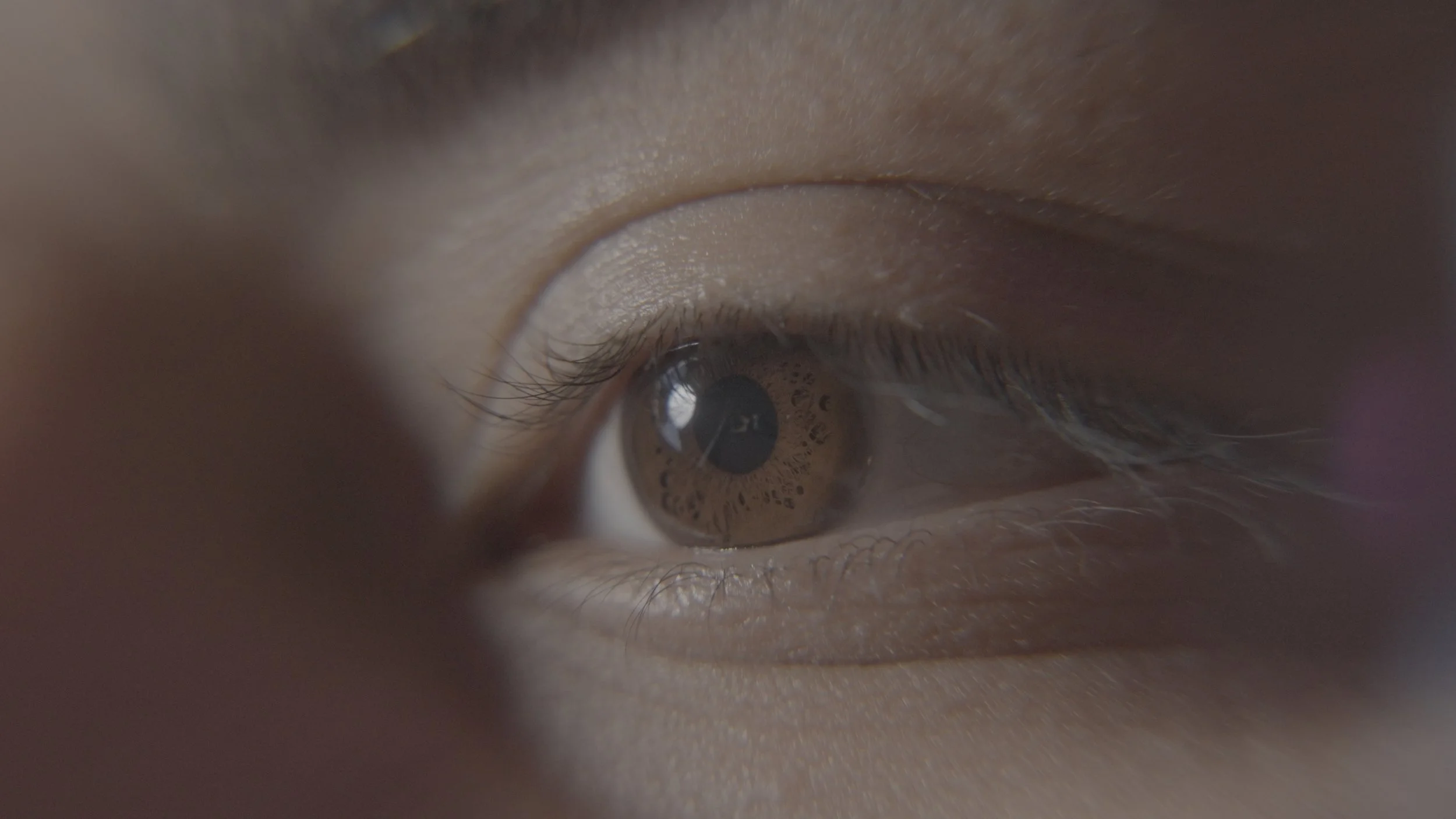
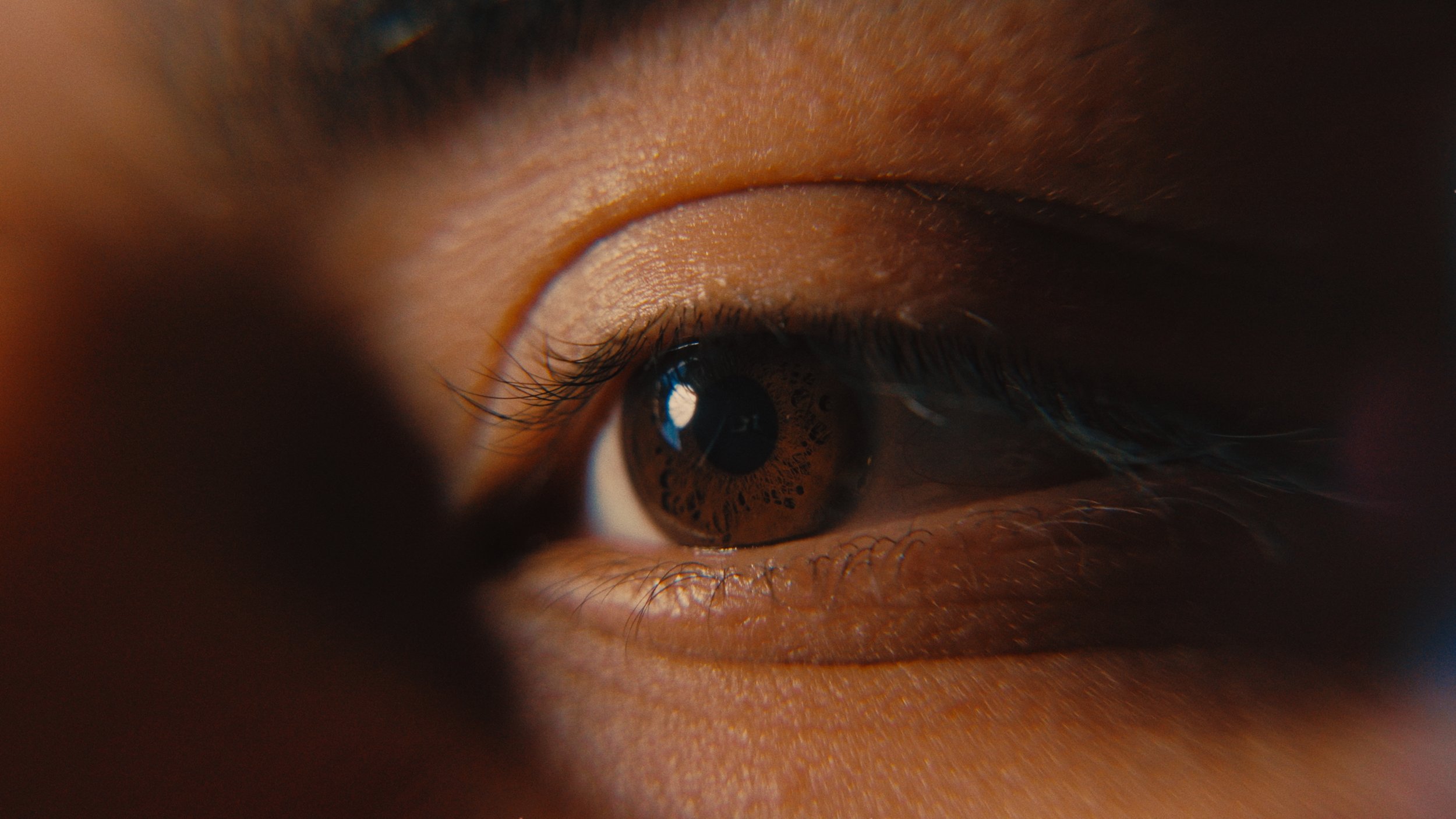




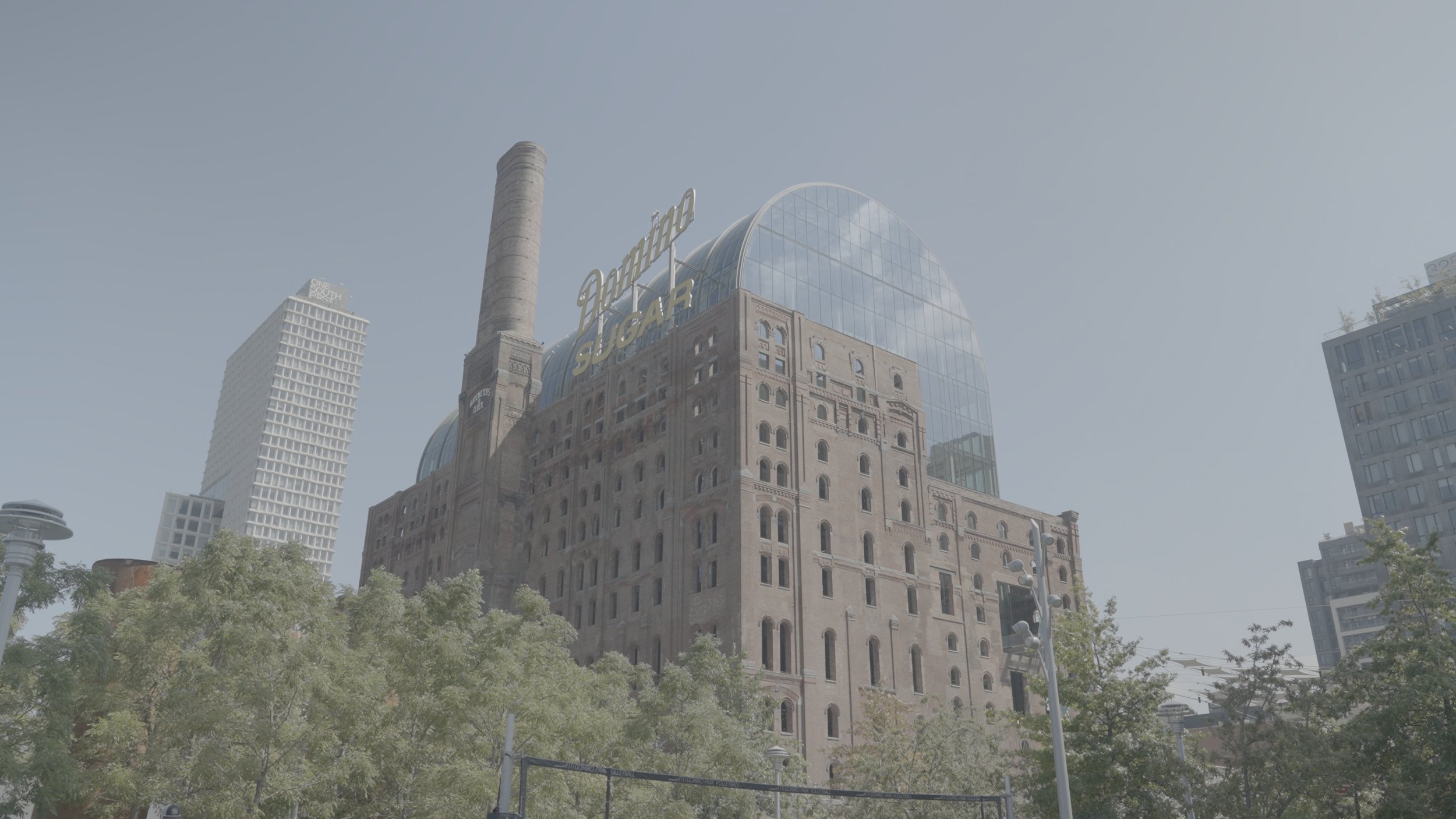

Cinesol 35 gives your digital footage the depth and character of 35mm film without locking you into a LUT. It’s a full grading system built inside DaVinci Resolve, designed to make your images feel denser, cleaner, and more cinematic from the very first node.
You get natural rolloff, richer color, controlled halation, film-like grain, and a print stage that adds the weight and polish everyone tries to chase in post. Every module is fully editable, so you can push the look or keep it subtle without breaking the image.
If you’re tired of grades that still look digital, this gets you much closer to the film look — reliably and quickly — no matter what camera you’re shooting on.
Cinesol 35 gives you a starting point that already feels right, so your grade comes together faster and looks better every time.

This powergrade is incredibly well built and easy to work with. It gave my footage a rich film look with little to no adjustments. The node structure is clean and organized, which makes adjustments straightforward and easy to manage.
Highly recommend for anyone looking to elevate their grading workflow and get a sick film look! 🔥

Listen, I’m picky when it comes to the colors in my videos and let me just say… THIS is a no brainer.
The colors you get from this powergrade are not only filmic and professional but getting your final grade is quick and intuitive.
Everything is customizable with a couple clicks which is super important to my workflow. I. LOVE. IT.

The Cinesol Powergrade is the tool I didn’t know I needed. It lets me add my own creative style while delivering a true cinematic look without you feeling like you just bought another LUT.
The detail, organization, and overall control are priceless. If you want to elevate your color grading with a seamless workflow, this is it. 11/10.
Frequently Asked Questions
-
Yes. Cinesol 35 is built around a universal workflow that supports any camera that shoots in log or standard profiles. Sony, Canon, Panasonic, Fuji, Blackmagic, RED, even iPhone Log will all convert cleanly through the CST step.
-
Not at all. The PowerGrade is designed to work out of the box, and the 5-lesson mini course walks you through why each part works so you can use it confidently, even if you're new to grading.
-
Absolutely. Every part of the node tree is built to be adjustable. You can push the grain, soften the halation, shift color density, tweak the print film curve, or keep it subtle. The grade is intentionally flexible.
-
No. The layout is optimized to be lightweight inside DaVinci Resolve. Everything is grouped, labeled, and organized so you can apply the look quickly and make adjustments fast.
-
LUTs bake a look into a single file you can’t edit.
Cinesol 35 gives you full control. It has ZERO outside LUTs. Every step is exposed in the node tree, and the course shows exactly how each part shapes the look. You’re not locked into anything.